

3 Cool Google Tricks – That You’d Love To Know Or That You Need To Try Now.
Searching for information on the internet can be very boring, Using these Google Tricks, You can get accurate information by making it a little more enjoyable.

Google has completely changed our lives forever. Moreover, It is difficult to imagine such a world without Google
Table of Contents
Google Tricks
Searching for information on the internet can be very boring, when you are researching a topic, finding the right information for yourself from every website page in Google’s search list, or related to daily life work, office work or any other topic. If you want to get information, then these Google Tricks, You can get accurate information by making it a little more enjoyable.
Here are some useful tricks, which you can adopt in your daily work and office work to save your precious time and avoid mental troubles caused by it.
How To Find PDF Files on google
If you are searching any file on Google for education purpose or any other office work purpose then this article can prove to be very useful for you.
You can find the PDF for yourself without any research by following the steps given below.
-
First of all, go to your browser and open Google.com
-
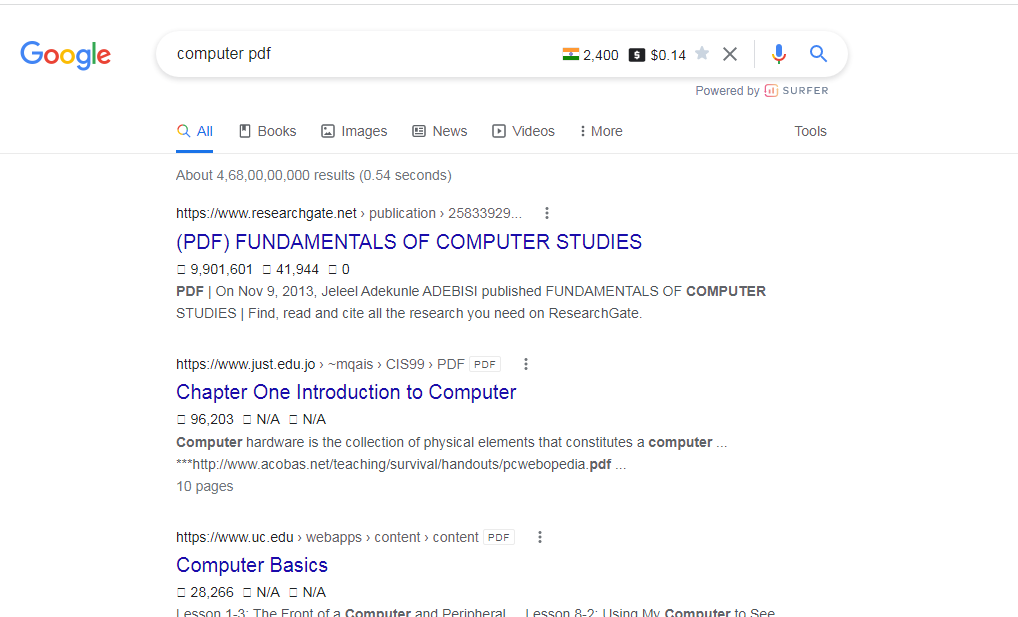
Now type the name of the topic for which you want to get the PDF. (Suppose, If you want to get PDF about Computer then you will type ” Computer” in the Search Bar).
-
After this now you will write only PDF after the name of this topic. (e.g.: “Computer PDF”)
-
Now when you search it, the list that will come in front of you will be the PDF link of the topic you have searched.
Number Valuation
If you are asked to evaluate a number. As you have been asked.
How to read a number 100 so you can tell a hundred easily.
You can easily tell 1000 to thousand .
You can tell 100000 as one lakh.
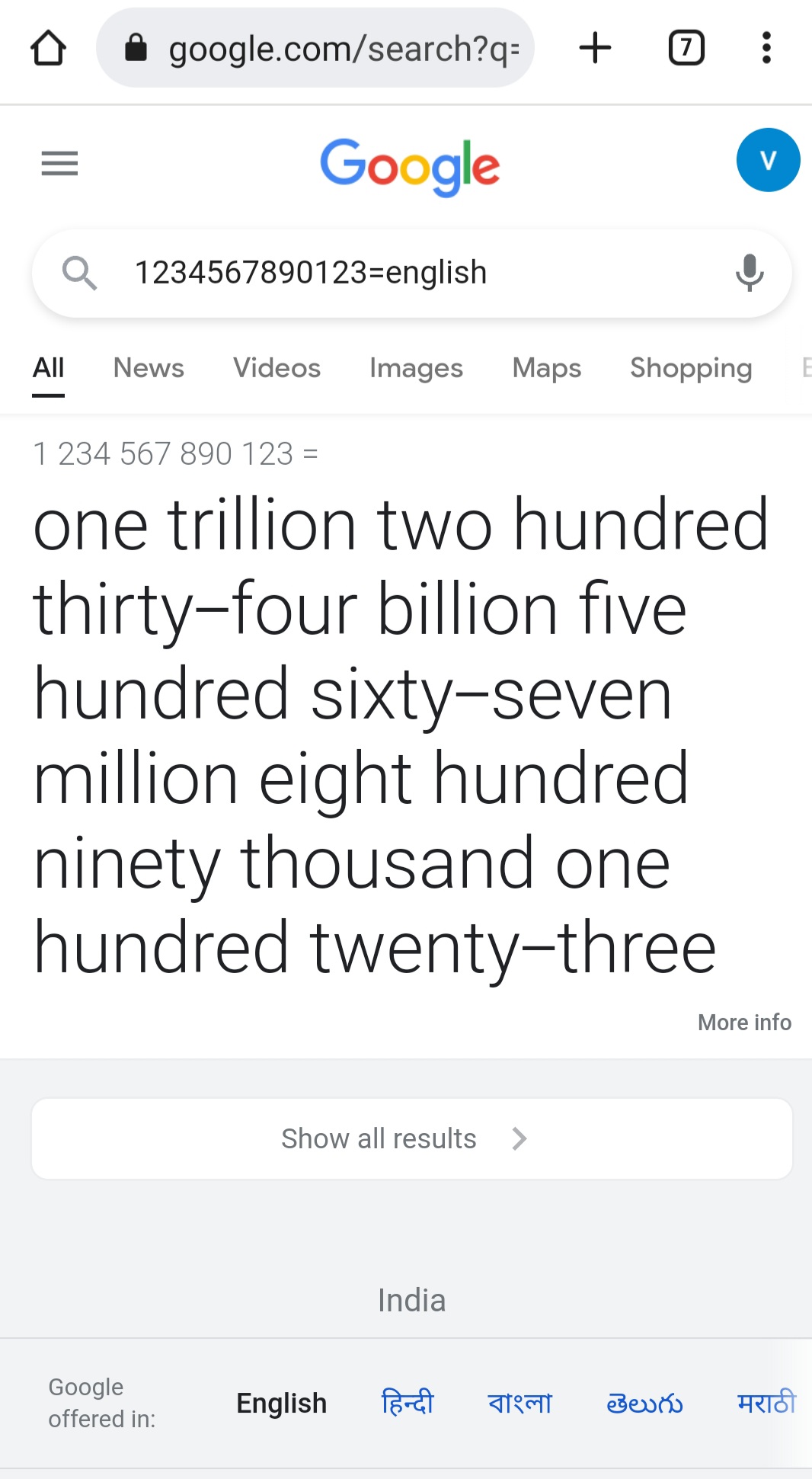
Now If you are asked how would you read 1234567890123, you might be not able to tell. To overcome this problem, a small trick has to be done on Google.
-
First You go to Google’s Website
-
Enter the number on it whose valuation is to be searched.
-
After that number type “=english” and search.
Download Free Images / Royalty free Images
When you are searching photos for your content on the internet, you will find most of the paid photo shows in the search list, for which you have to pay some amount or subscribe to the website which is quite frustrating and time consuming process.
To solve this problem follow the steps given below.
Like if you are searching for free images of computer on Google then
-
You will search “Computer” on Google.
-
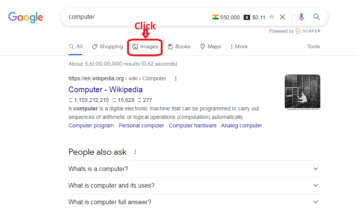
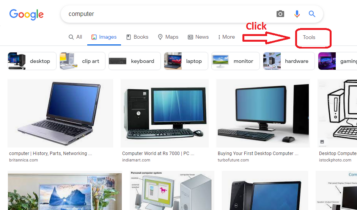
Then go to the Image Tab.
-
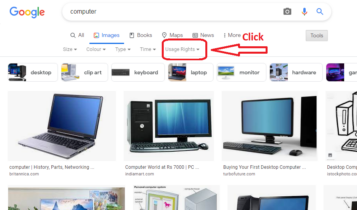
After this, click on the “Tool” option in the right side below the search bar.
-
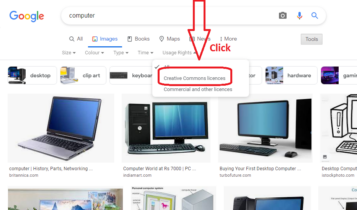
Click on “Creative Common Licence” in the “Usage Right” Section
-
Now all the photos showing on your screen are free images (Royalty free images), you can download the suitable image for your content from here.
Step 1 Step 2
Step 3 Step 4
Step 5
 English
 Arabic
 French
 Hindi
Hindi Punjabi
 Russian
 Spanish
 Tamil
Tamil Telugu
We are a group of volunteers and opening a new
scheme in our community. Your website offered us with valuable info to
work on. You’ve done a formidable job and our whole community will be grateful to you.